
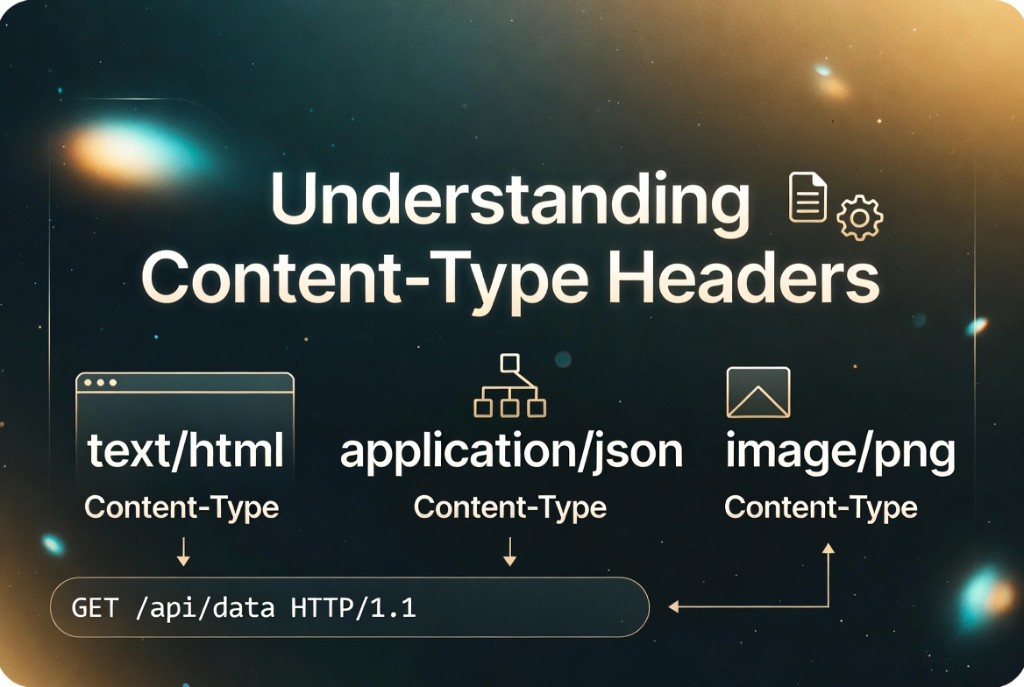
Understanding Content-Type headers
September 15, 2026 · 13 min read
The Content-Type header tells the server how to interpret the request body (and tells clients how to interpret responses). Getting it wrong produces empty parsed objects, charset garbage, or 415 Unsupported Media Type errors that blame the framework instead of the header.
Header syntax
Format is type/subtype followed by parameters such as charset=utf-8 or boundary=----WebKitFormBoundary. Parameters are case-insensitive. Multiple parameters are separated by semicolons. Parsers should trim whitespace around values; hand-rolled parsers often break on extra spaces.
Content-Type: application/json; charset=utf-8
Content-Type: multipart/form-data; boundary=----Boundary7MA4YWxkTrZu0gW
Content-Type: application/problem+json
JSON APIs
Use application/json for typical REST and GraphQL JSON bodies. application/problem+json (RFC 7807) is standard for error documents. Some clients send text/plain with JSON inside - servers may reject or mis-route those requests. Align client and server expectations in your API guide.
Multipart and forms
File uploads use multipart/form-data with a boundary string that must not appear in the body. The boundary in the header must match the body delimiter lines. Wrong boundaries cause parsers to hang or return partial fields.
Common mismatches
- Declaring
application/jsonbut sending form-urlencoded data. - Omitting charset on non-ASCII JSON while the body is UTF-8 (usually still works, but logs may disagree).
- Sending gzip-compressed bytes without
Content-Encoding: gzip. - Using
application/jsonfor JSON Lines streams - considerapplication/x-ndjsonconventions.
How to debug
Copy headers from browser devtools or proxy logs into a header parser to see normalized type and parameters. Compare with the first bytes of the body (JSON starts with { or [). Fix the client header before adding server-side content sniffing - it is a last resort and a security risk.
FAQ
- Is Content-Type required on GET requests?
- GET usually has no body, so Content-Type is omitted. If you send a body on GET (unusual), include Content-Type.
- What is the difference between Accept and Content-Type?
- Content-Type describes the body you are sending. Accept tells the server what response formats you prefer.
- Does charset matter for JSON?
- JSON must be UTF-8 (RFC 8259). Declaring charset=utf-8 helps intermediaries; the bytes must still be valid UTF-8.
Related: Debugging API payloads · HTTP header parser