
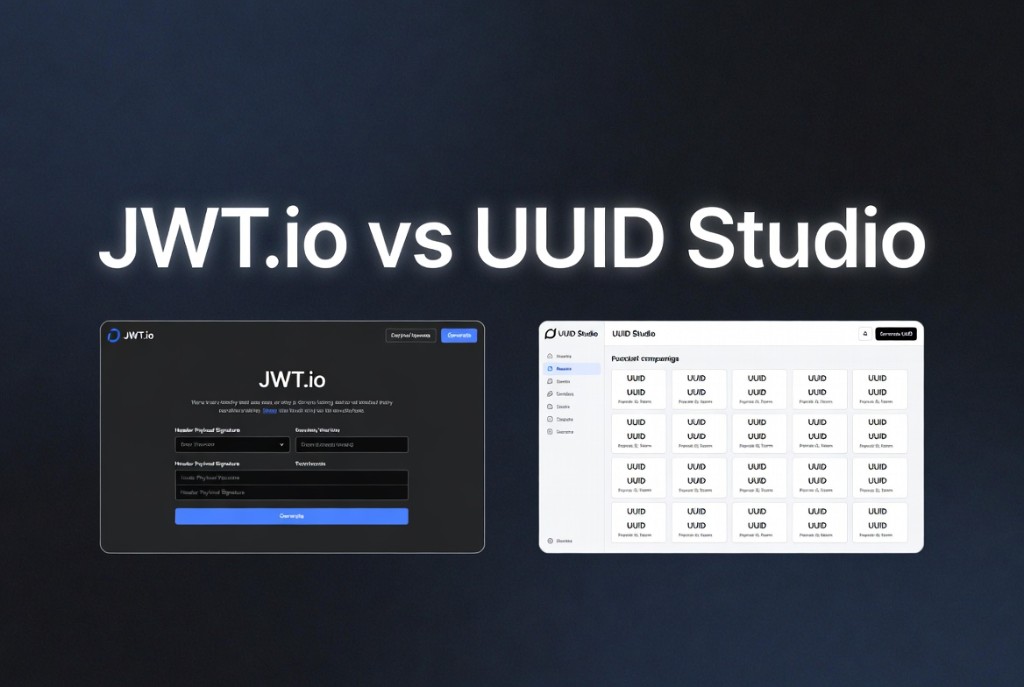
jwt.io vs UUID Studio JWT decoder
September 6, 2026 · 12 min read
Developers reach for jwt.io the moment an auth flow returns a 401 and someone pastes a Bearer token into chat. It is the de facto reference for seeing header, payload, and signature segments split apart. UUID Studio offers a similar decode experience tuned for teams that want inspection without sending tokens to third-party servers - and alongside other local tools for UUIDs, JSON, and keys on the same site.
Why compare JWT decoders at all
Decoding a JWT is not the same as verifying it. Both tools Base64URL-decode the header and payload so you can read exp, iss, and custom claims. The difference shows up in where that decode runs, whether signing helpers tempt you to paste production secrets, and how clearly the UI warns that the payload is not confidential.
What jwt.io is good at
- Instant recognition - most blog posts and Stack Overflow answers link there first.
- Built-in HS256 signing playground for learning how header and payload affect the signature string.
- Libraries list and algorithm documentation in one place for newcomers.
jwt.io historically ran decode logic in the browser for the debugger view, but the product surface also includes hosted flows and integrations. For regulated environments, security review still asks whether any analytics or error reporting could capture token fragments. Treat any online decoder as a policy decision, not a harmless formatter.
UUID Studio JWT decoder
The UUID Studio JWT decoder focuses on read-only inspection: paste a token, see formatted JSON for header and payload, clock times for exp and nbf, and algorithm notes. Processing stays in your browser session so tokens are not uploaded for server-side decode. Pair it with the JWT generator when you need test tokens, and with the UUID converter when claims carry binary IDs you want in another encoding.
# Same three segments everywhere
eyJhbGciOiJIUzI1NiIsInR5cCI6IkpXVCJ9.<payload>.<signature>

# Decoder job: show JSON + expiry - not to trust the token
Privacy and production tokens
Never decode customer production JWTs on a machine you do not control. Prefer local browser tools, your own scripts, or jwt decode in CI with redacted fixtures. If you must share a failing token with a vendor, rotate it after debugging and strip PII from claims first.
Which to use when
- Learning JWT structure - jwt.io or UUID Studio both work; pick the one your security policy allows.
- Production incident response - UUID Studio or a local CLI; avoid pasting live tokens into unfamiliar SaaS.
- Signing experiments - jwt.io’s playground is convenient; use throwaway secrets only.
FAQ
- Does jwt.io verify signatures?
- You can supply a secret or key in their debugger to check HS256 signatures. Verification still happens client-side in that mode; always confirm current behavior in their docs before trusting it for compliance.
- Is UUID Studio a replacement for jwt.io?
- For decode-and-inspect workflows, yes. For Auth0 marketing content and the widest third-party tutorials, jwt.io remains the familiar name.
- Can I decode JWTs without any website?
- Yes. Use openssl, jq, or language libraries. Browser tools are convenience layers on the same Base64URL decode.
Related: What is a JWT · JWT decoder tool