
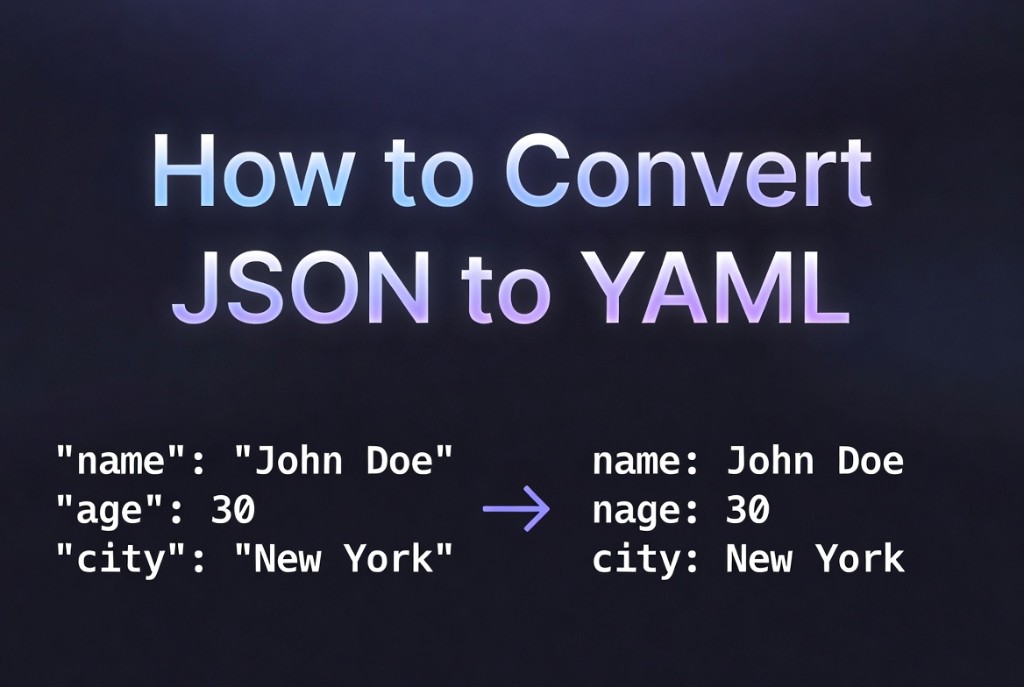
How to convert JSON to YAML
August 26, 2026 · 12 min read
Teams often author JSON in code generators or API responses, then need YAML for Kubernetes manifests, GitHub Actions, or Ansible. Mechanical conversion is easy; semantic review is essential because YAML's implicit typing and anchors can change meaning silently.
Why convert JSON to YAML
YAML reduces punctuation and supports comments - operators edit it daily. JSON remains better for wire formats and strict parsers. Converting bridges codegen output to ops-friendly files.
YAML rules that differ from JSON
- Indentation defines structure - spaces only, consistent width (usually 2).
- Strings with colons or leading zeros may need quotes.
- Avoid YAML anchors (
&/*) in generated config unless you understand alias behavior. - Booleans: unquoted
true/falsein YAML 1.2.
Conversion steps
- Validate JSON syntax first.
- Convert with a trusted tool or library (
js-yaml, etc.). - Run
kubectl apply --dry-run=clientor your linter on the result.
service: api
replicas: 3
env:
  LOG_LEVEL: info
Browser converter
Paste JSON into the JSON to YAML converter for instant preview and copy. Pair with JSON validator on input and keep JSON as source of truth in git when possible, generating YAML in CI instead of hand-maintaining both.
Review before apply
Never pipe unreviewed YAML into production clusters. Diff the result against your last manifest. Watch for scientific notation on large integers and for fields that JSON expressed as strings but YAML might parse as numbers.
FAQ
- Is the conversion lossless?
- For typical object/array/scalar data, yes. Exotic JSON values and YAML-specific features (anchors, custom tags) need explicit handling.
- Should I store JSON or YAML in git?
- Many teams store YAML for ops files and generate from JSON Schema or Helm values. Pick one source of truth to avoid drift.
Related: JSON vs XML vs YAML · JSON to YAML