
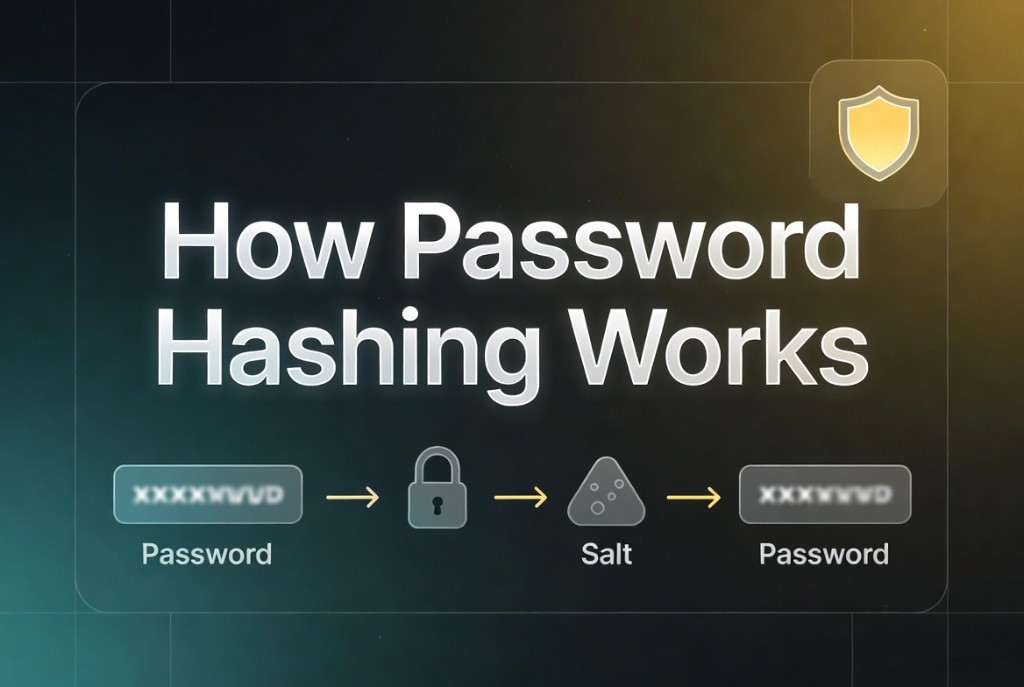
How password hashing works
July 14, 2026 · 15 min read
Password hashing protects user credentials when a database leaks. Unlike fast hashes (SHA-256) used for integrity, password hashes are deliberately slow and include a unique salt per user so attackers cannot test billions of guesses per second on GPUs or rainbow tables.
Storing plaintext passwords or single-round SHA-256 of passwords is a critical finding in security audits. Modern apps use bcrypt, scrypt, or Argon2 through battle-tested libraries - never roll your own.
The goal
When a user registers, you hash their password and store only the hash string. On login, you hash the attempted password with the same parameters and compare. If the DB is stolen, attackers work offline trying guesses - your job is to make each guess expensive.
Password hashing is one-way. You cannot “decrypt” a hash to email users their password - use secure reset flows instead.
Why salts matter
A salt is random per-user data mixed into the hash. Without salts, identical passwords produce identical hashes - attackers crack many accounts at once. With salts, each hash needs its own cracking effort even for the same password.
Salts need not be secret but must be unique and stored alongside the hash (often embedded in the bcrypt string). Use CSPRNG bytes, not usernames or timestamps.
Slow by design
Work factors (bcrypt cost, Argon2 memory/time) tune how long hashing takes - typically tens to hundreds of milliseconds per attempt on server hardware. That delay is negligible for one login but devastating for attackers trying millions of passwords.
- Increase cost over years as hardware improves.
- Cap login attempt rate at the application layer too.
- Never lower cost to “improve performance” without risk review.
How bcrypt works
Bcrypt runs Blowfish-based key expansion many times according to the cost parameter (2^cost rounds). The stored string embeds algorithm id, cost, salt, and hash: $2b$12$.... Libraries parse it so you do not manage salt bytes separately.
import bcrypt from "bcrypt";

const cost = 12;
const hash = await bcrypt.hash(plainPassword, cost);
const ok = await bcrypt.compare(attempt, hash);
Verification flow
Fetch the user record by identifier, run compare with the submitted password and stored hash, and return the same error for “user not found” and “wrong password” to prevent account enumeration. Rehash on login if cost parameters were upgraded since the password was last set.
Use constant-time compare provided by the library. Log auth failures without storing plaintext passwords in logs or error trackers.
FAQ
- Why not SHA-256 passwords?
- SHA-256 is too fast. Attackers can try billions of guesses per second with GPUs.
- Should the salt be secret?
- No. Security comes from uniqueness and slowness, not salt secrecy.
- What cost should bcrypt use?
- Target ~250–500ms per hash on your servers. Cost 12 is a common starting point; measure on your hardware.
- Can I hash passwords client-side?
- Client hashing does not replace server hashing if the hash becomes the password equivalent. Always hash on the server over TLS.
Related: bcrypt vs Argon2