
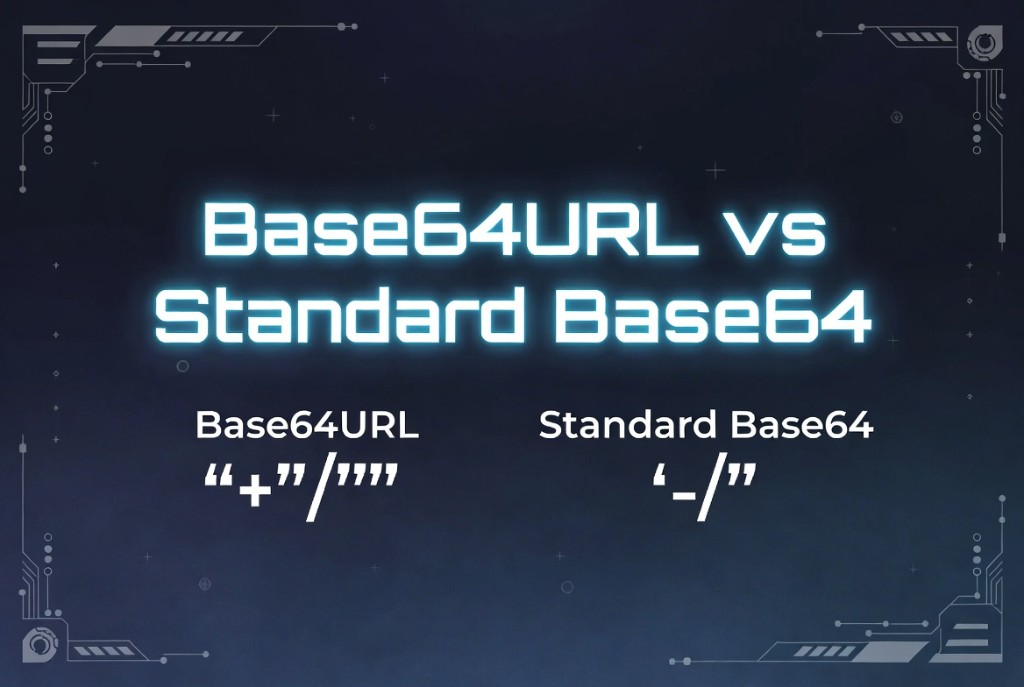
Base64URL vs Base64
August 5, 2026 · 13 min read
Standard Base64 and Base64URL encode the same binary data but use different character sets for positions 62 and 63. Base64 uses + and /; Base64URL uses - and _ so encoded strings survive query strings, path segments, and filename constraints without extra percent-encoding.
Mixing the two is one of the top causes of “invalid token” and “bad signature” bugs. A JWT verified with standard Base64 decoding will fail even when the token looks correct at a glance.
Why two variants exist
URLs and filenames treat + as a space in query strings (application/x-www-form-urlencoded legacy). Slashes look like path separators. Base64URL (RFC 4648 §5) removes those ambiguities so tokens can sit in cookies, URLs, and HTTP headers with minimal escaping.
Libraries often expose both as separate flags - base64 vs base64url in Node, or base64UrlEncode in JOSE stacks. Always match the variant your protocol specifies.
Alphabet differences
Standard Base64:  A-Z a-z 0-9 + /
Base64URL:        A-Z a-z 0-9 - _

Same bit layout; only the last two symbols change.
The 6-bit values 62 and 63 map to different characters. Decoders must use the correct lookup table. Some permissive decoders accept both alphabets; cryptographic validators should not - algorithm confusion starts with “helpful” parsers.
Padding rules
Standard Base64 often includes = padding to make the string length a multiple of four. Base64URL in JWT and JOSE typically omits padding. Decoders must accept unpadded input and infer missing bits from the string length mod 4.
When converting between formats, normalize padding first, swap alphabet characters, then strip padding again if your target format requires it.
JWT and OpenID Connect
JSON Web Tokens encode header and payload with Base64URL without padding. The signed input is literally base64url(header) + '.' + base64url(payload). Using standard Base64 or leaving padding in place breaks signature verification in strict libraries.
function base64UrlToStandard(s) {
  let b64 = s.replace(/-/g, "+").replace(/_/g, "/");
  const pad = b64.length % 4;
  if (pad) b64 += "=".repeat(4 - pad);
  return b64;
}
Converting safely
To convert URL-safe to standard: replace - → +, _ → /, add padding, then decode. For encoding to URL-safe: encode normally, swap characters, remove =. Never round-trip through a decoder that assumes UTF-8 text when your payload is raw binary.
Unit tests should include vectors with and without padding, plus strings containing both alphabet styles, so regressions surface in CI instead of production auth.
FAQ
- Is Base64URL a different algorithm?
- No. The bit grouping is identical. Only the alphabet and typical padding handling differ.
- Can I decode JWT payload with atob()?
- Only after converting to standard Base64 and adding padding. Prefer a JWT library or a tool that applies Base64URL rules automatically.
- Why does my Base64URL string have no equals signs?
- JOSE conventions omit padding. Decoders reconstruct the missing bits from length.
- Which variant should new APIs use?
- Base64URL for anything in URLs, cookies, or JWT-like tokens; standard Base64 for MIME and PEM where RFCs require it.
Related: What is Base64 encoding?